Creating a home office that feels cozy yet keeps you productive is key to enjoying your work-from-home experience. Whether you’re starting from scratch or updating an existing space, small changes can make a big difference. This guide will walk you through practical steps to help you design a workspace that supports focus and comfort.
Why a Cozy and Productive Home Office Matters
Working from home has become increasingly common, and having a dedicated area designed specifically for work helps separate your professional life from your personal space. A cozy environment reduces stress and makes work more enjoyable, while productivity-focused elements keep distractions at bay and support concentration.
Choose the Right Location
Selecting the best spot in your home is the first step. Ideally, find a quiet corner or room with minimal foot traffic to reduce distractions.
Tips for picking your home office location:
– Natural light: Choose a space near a window to benefit from daylight, which can improve mood and energy.
– Away from noise: If possible, avoid busy areas like the living room or kitchen.
– Space for essentials: Make sure there’s enough room for your desk, chair, and equipment.
Invest in Ergonomic Furniture
Comfort is essential for long hours at your desk. Ergonomic furniture supports your posture and prevents discomfort that can hinder productivity.
Must-have ergonomic features:
– Adjustable chair: Look for one that supports your lower back and allows your feet to rest flat on the ground.
– Proper desk height: Your desk should let you work with your arms at a 90-degree angle.
– Monitor placement: Position your screen at eye level to reduce neck strain.
Personalize Your Workspace
Adding personal touches makes the space inviting and gives you a positive mindset each day.
– Display favorite photos or artwork.
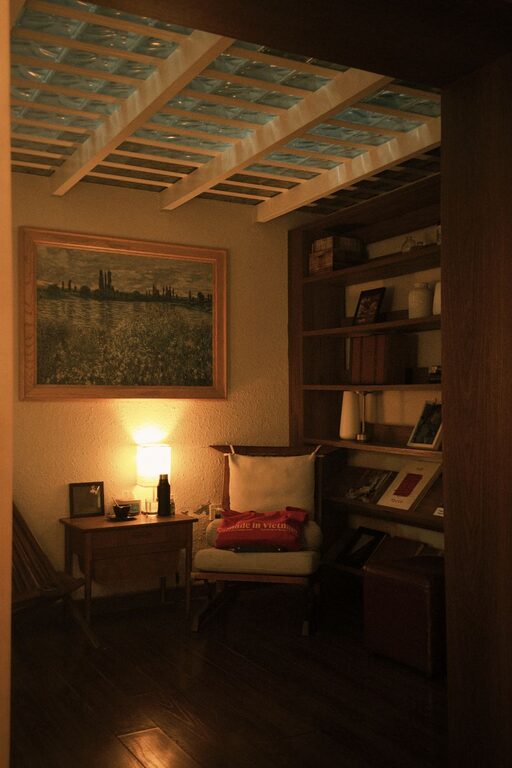
– Use a cozy blanket or cushions for comfort.
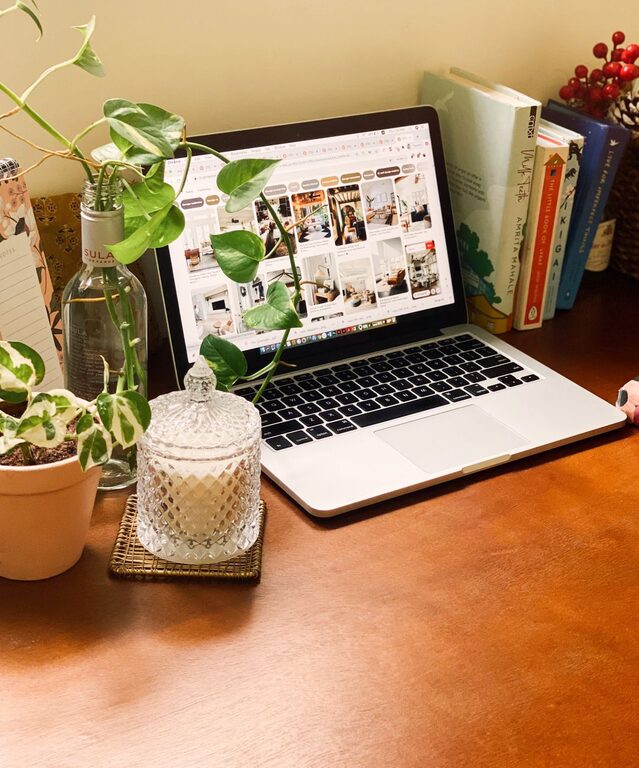
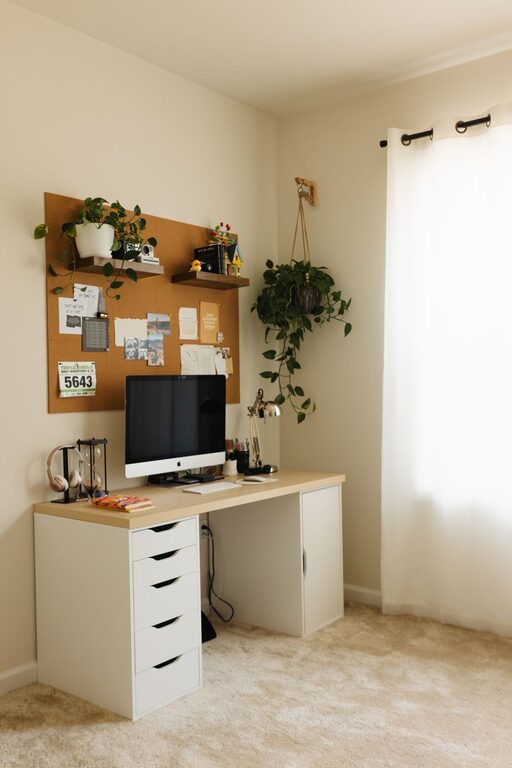
– Add plants to bring life and a sense of calm.
Optimize Lighting
Good lighting reduces eye strain and keeps you alert throughout the day.
– Combine natural light with soft, adjustable artificial lighting.
– Consider a desk lamp with warm light for late-night work.
– Avoid glare on your computer screen by positioning lights thoughtfully.
Declutter and Organize
A clutter-free desk supports clear thinking. Create an organizational system that works for you.
– Use drawer organizers and desk trays.
– Keep only essential items on your desk.
– Use cable management solutions to prevent a tangled mess.
Minimize Distractions
Maintaining focus means managing potential disruptions.
– Turn off notifications on your phone or use “Do Not Disturb” modes during focused work.
– Inform household members of your work hours.
– Use noise-canceling headphones if necessary.
Set Up Technology Efficiently
Reliable technology boosts productivity and reduces frustration.
– Ensure a strong internet connection.
– Use ergonomic accessories like an external keyboard and mouse.
– Backup important files regularly.
Incorporate Break Spaces
Including an area nearby to stretch or relax can refresh your mind.
– Add a comfortable chair or yoga mat.
– Use breaks to move around and avoid sitting too long.
Maintain a Routine
Having regular working hours and rituals helps train your brain for productivity.
– Start and stop work at consistent times.
– Take regular breaks using techniques like the Pomodoro method.
– Dress comfortably but professionally to signal work mode.
Conclusion
Designing a home office that is both cozy and productive is about balancing comfort with function. By choosing the right location, investing in ergonomic furniture, organizing effectively, and managing distractions, you’ll create a space that supports your best work. Personal touches and thoughtful lighting complete the environment, making your home office a place you look forward to spending time in every day.
About the Author